A real SSH terminal you can dictate into. The microphone on the keyboard → recognition → the text goes into the active field or straight into the console. No more poking at glass — just speak. It works in any app and with any CLI agent you install. Twenty languages.
A normal voice assistant lives on its own: you talk to it, it answers with text. Here it works differently — the recognised speech lands in whatever field the cursor is in. If the cursor is in the SSH command line, that is where the command is typed. If a CLI agent is open, you dictate your request in paragraphs. If another app is open, the text goes into its input field.
The microphone button on the branded keyboard. Press it and speak.
Speech becomes text in the chosen language. There are twenty of them.
Detects where the cursor is now: console, form field, app window.
The text appears in place. You see it and press Enter yourself.
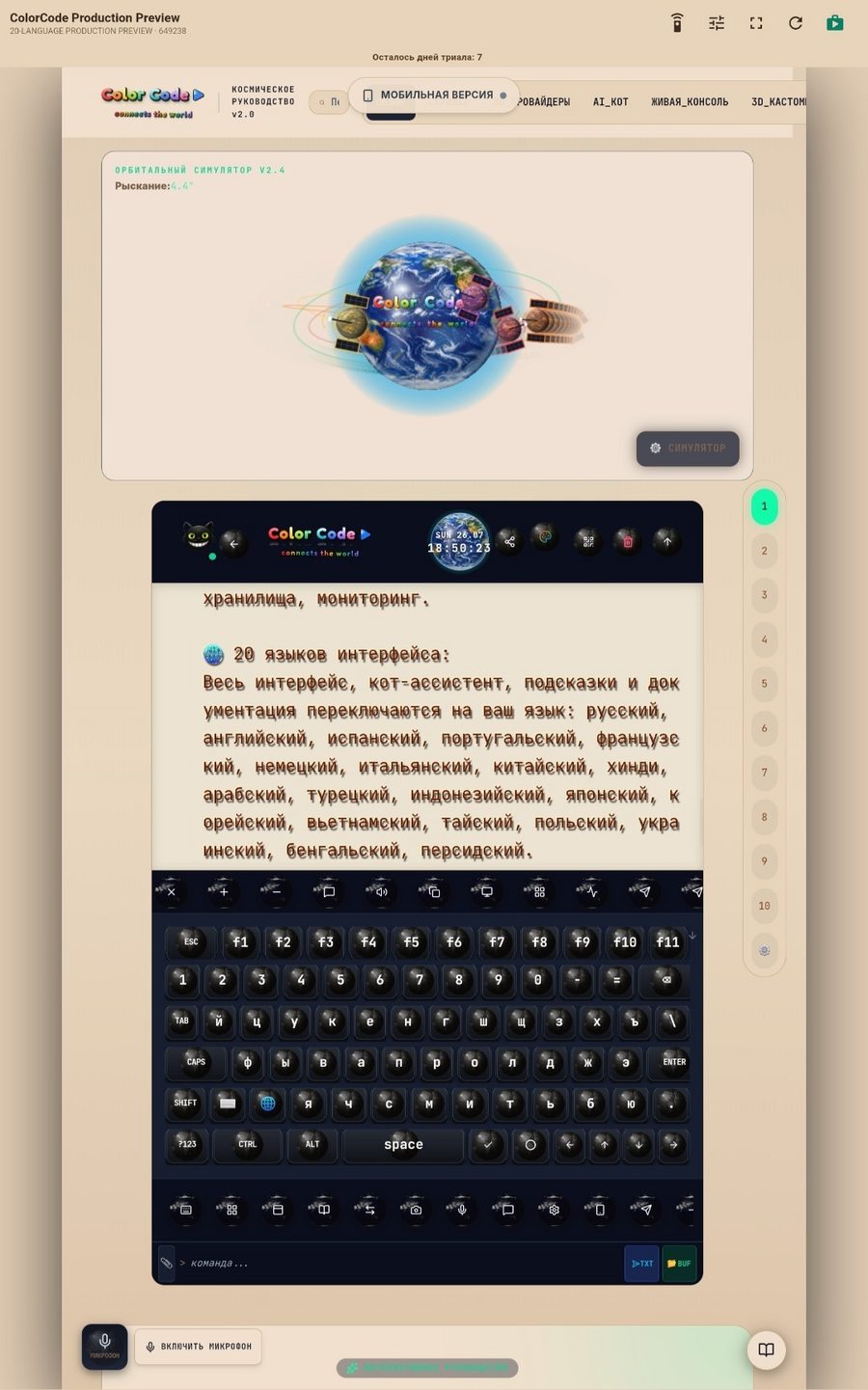
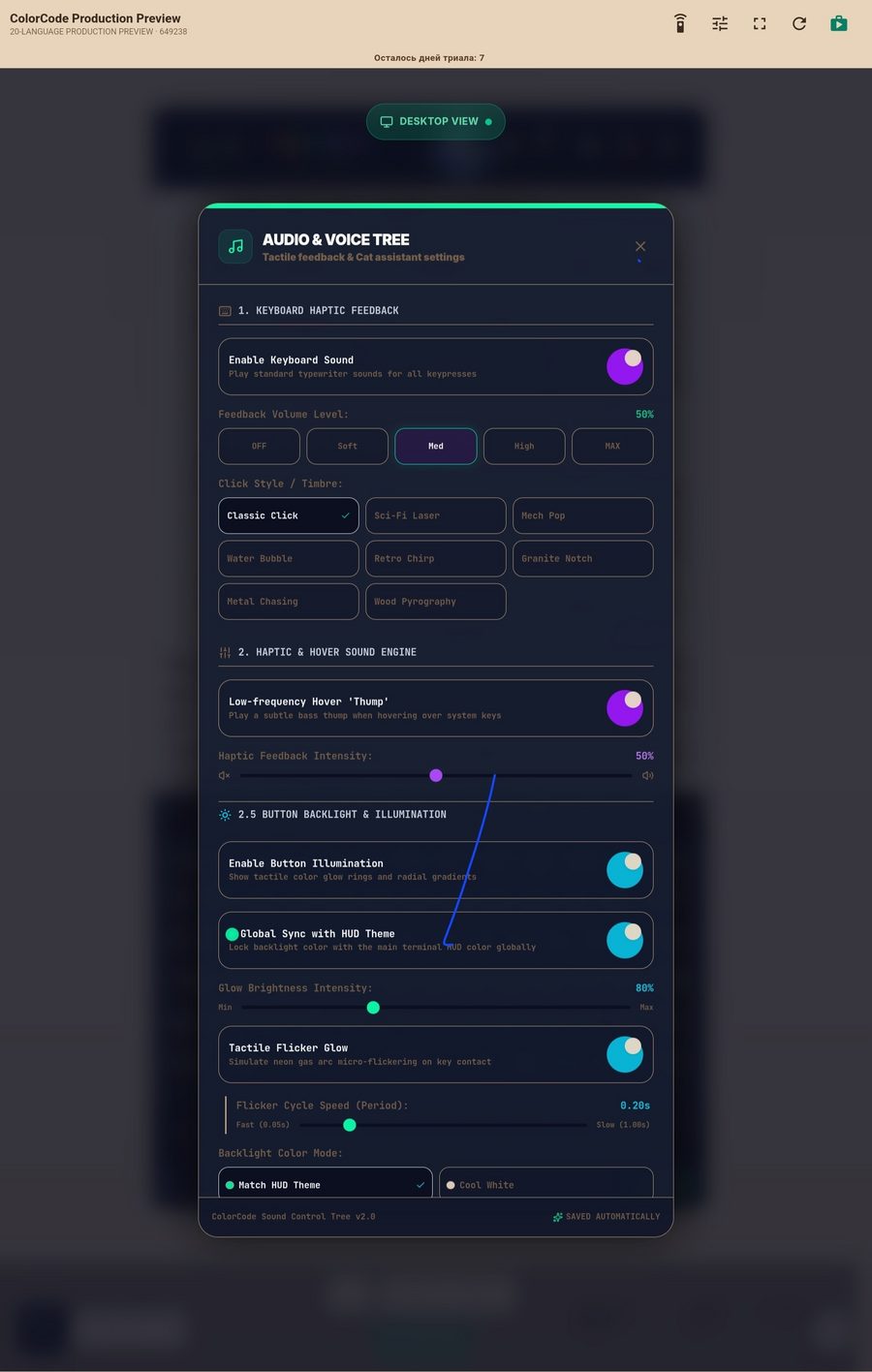
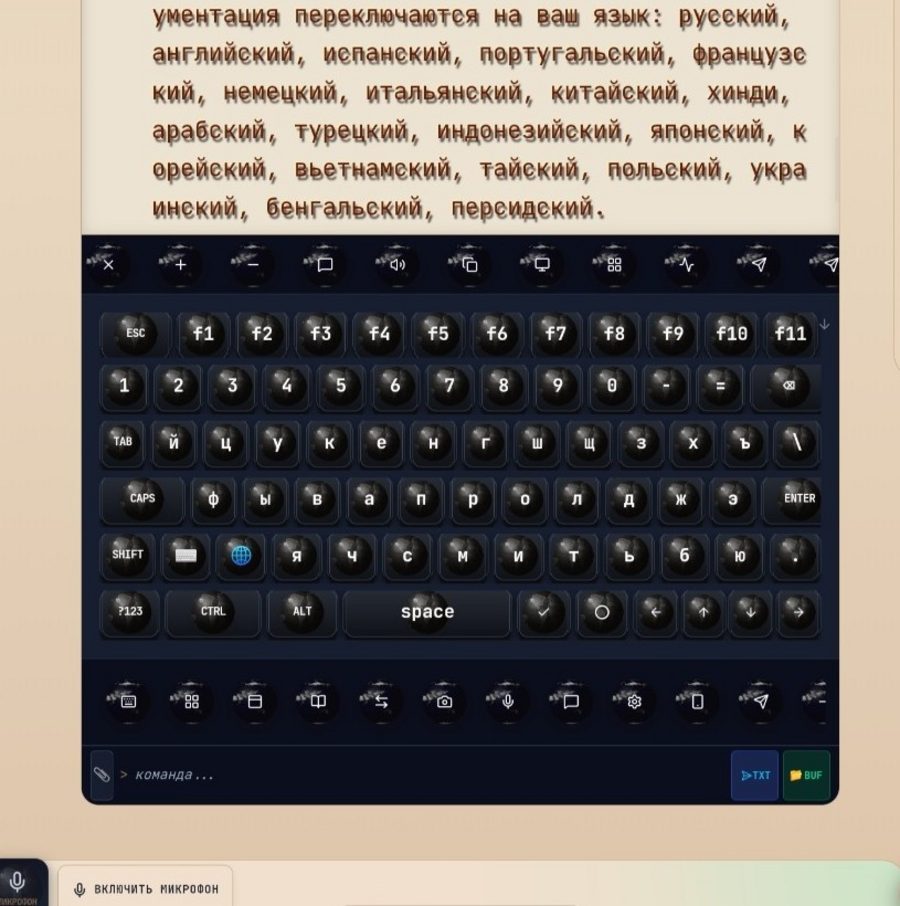
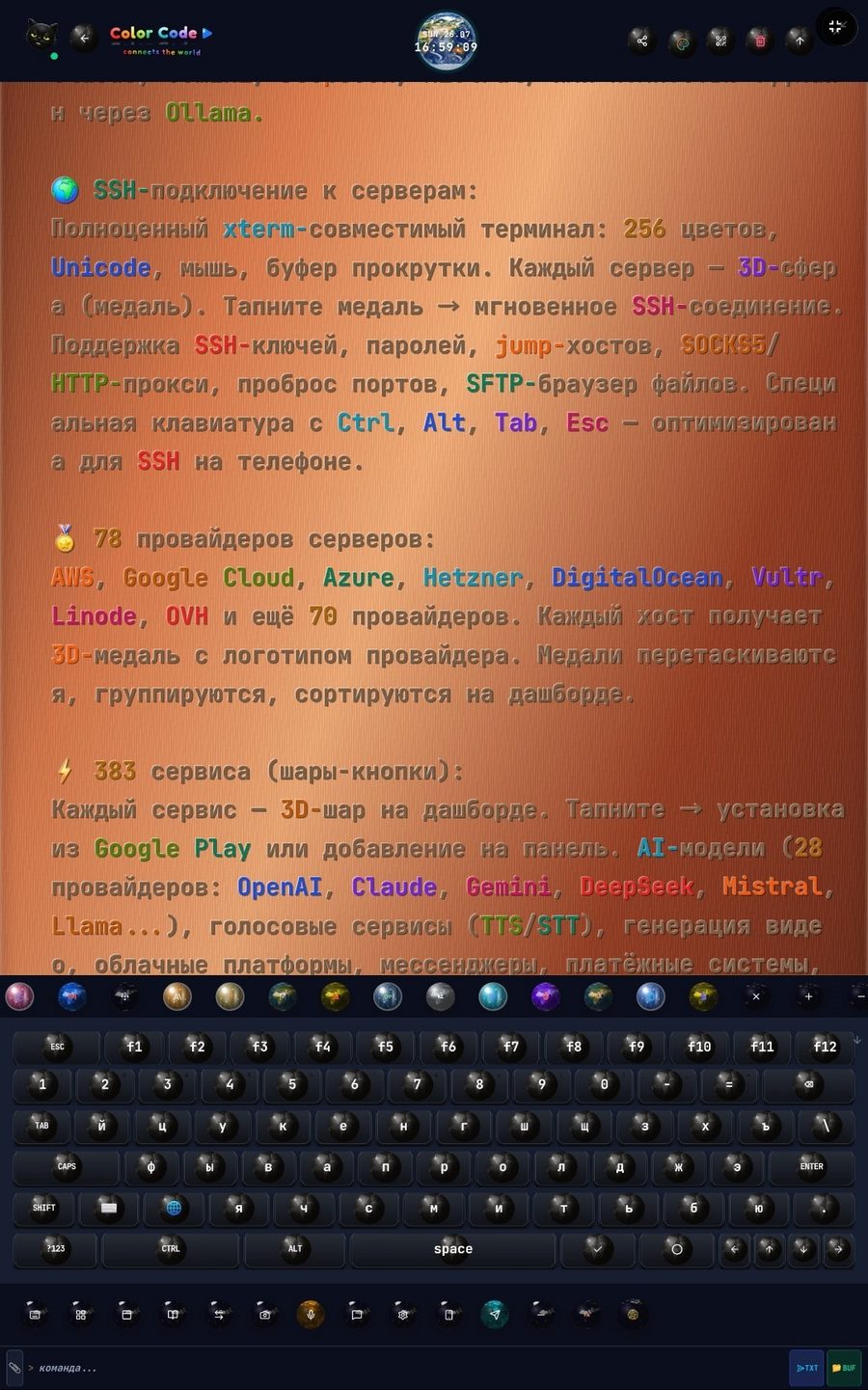
A phone keyboard has no Esc, no Tab, no Ctrl, no function row — and without them there is nothing to do in a console. Here they are, plus Cyrillic and the dictation microphone.
The globe on a key is not decoration: tapping it cycles the layout language, RU → EN → TH and onward. The keyboard collapses with the "v" tick or Alt + K — leaving a single command line, the whole screen freed for output.
Exactly what the built-in interactive wizard shows. Nothing extra to configure: no private network is required for the public build.
The "Language" card on the central panel. Interface, cat and hints switch entirely.
Once. If the account is already on the device, the system session is used — no new one needed.
An eight-step wizard: profile, hosts, assistant, theme, services. Secrets are encrypted locally.
Host medals on top, service spheres below, green text. The cat prompts you by voice.
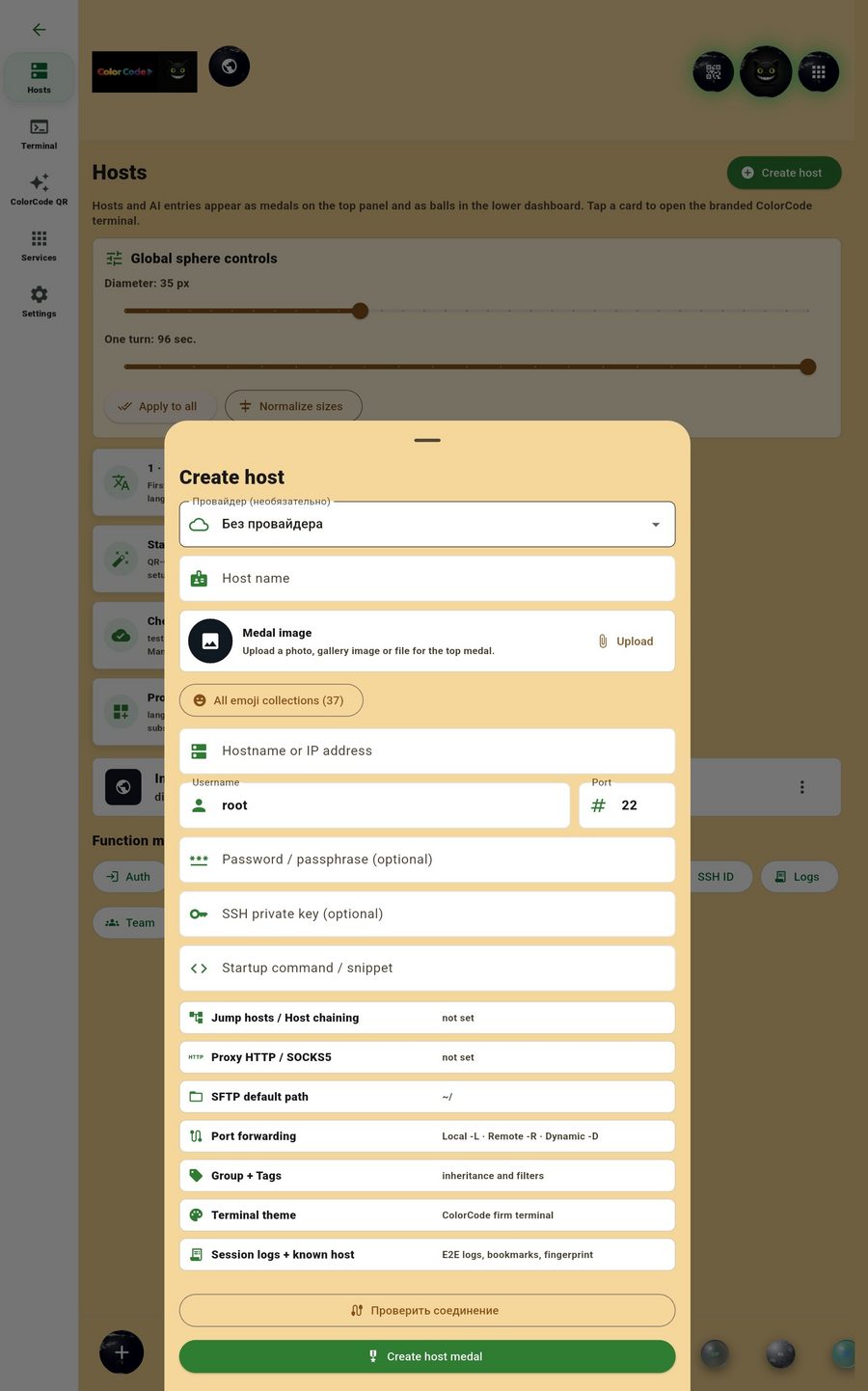
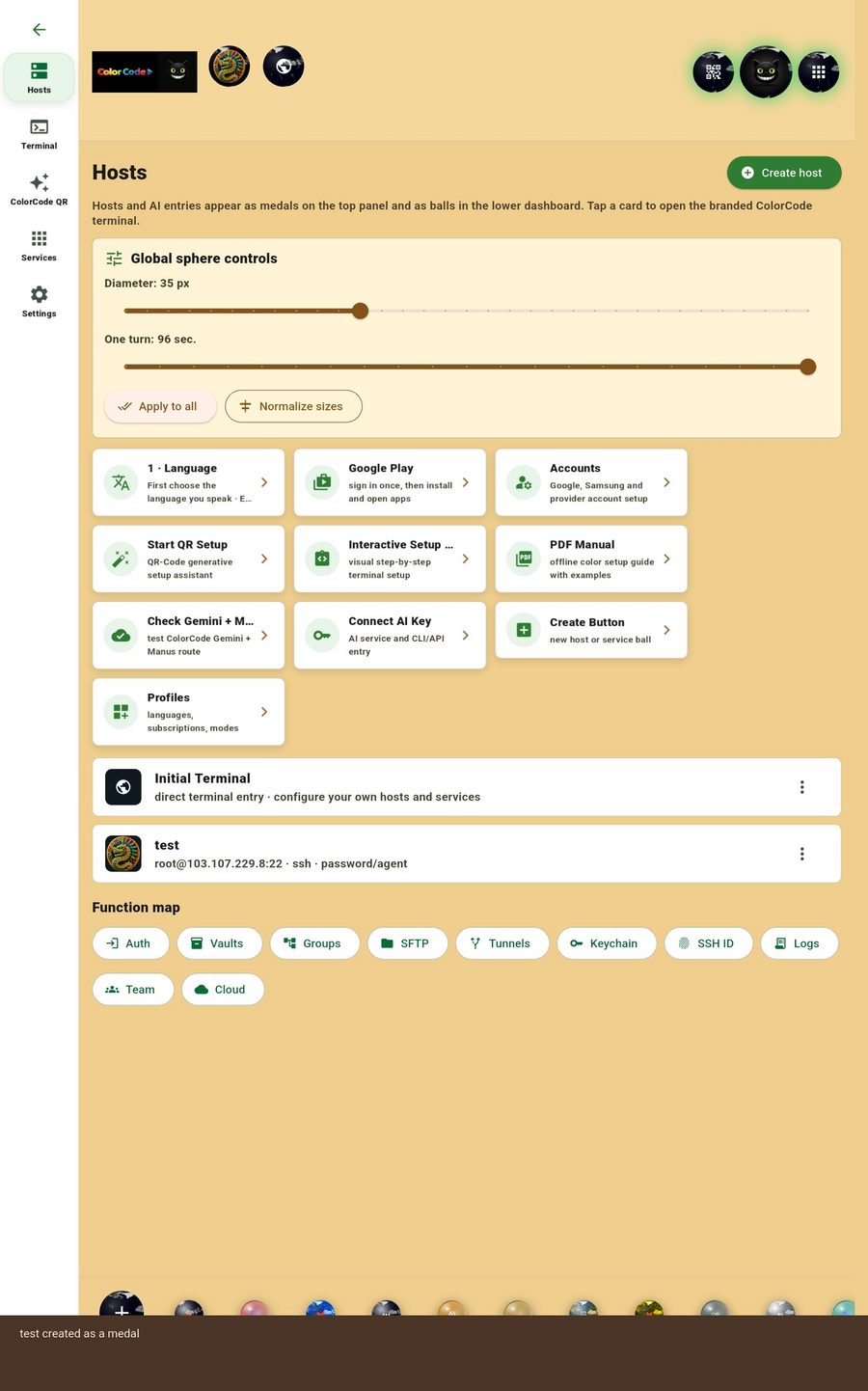
The form covers everything a real SSH client needs: jump hosts, proxy, port forwarding, startup command, key, group and tags. After "Check connection" you tap "Create host medal" — and the server appears as a medal on the top panel. Tapping the medal opens the working terminal of that exact host, with its own palette and its own spheres.
All inside one app and with no subscription.
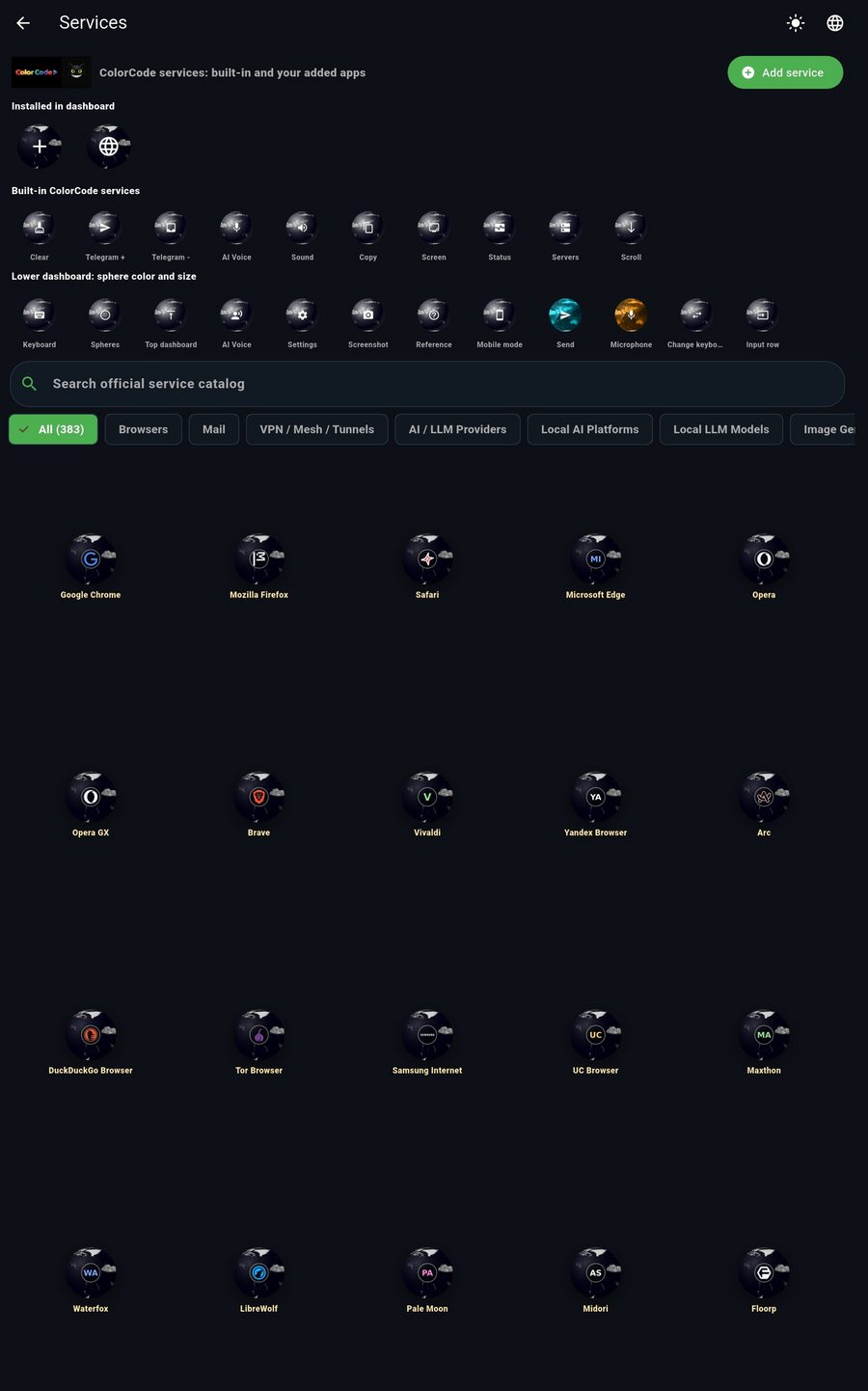
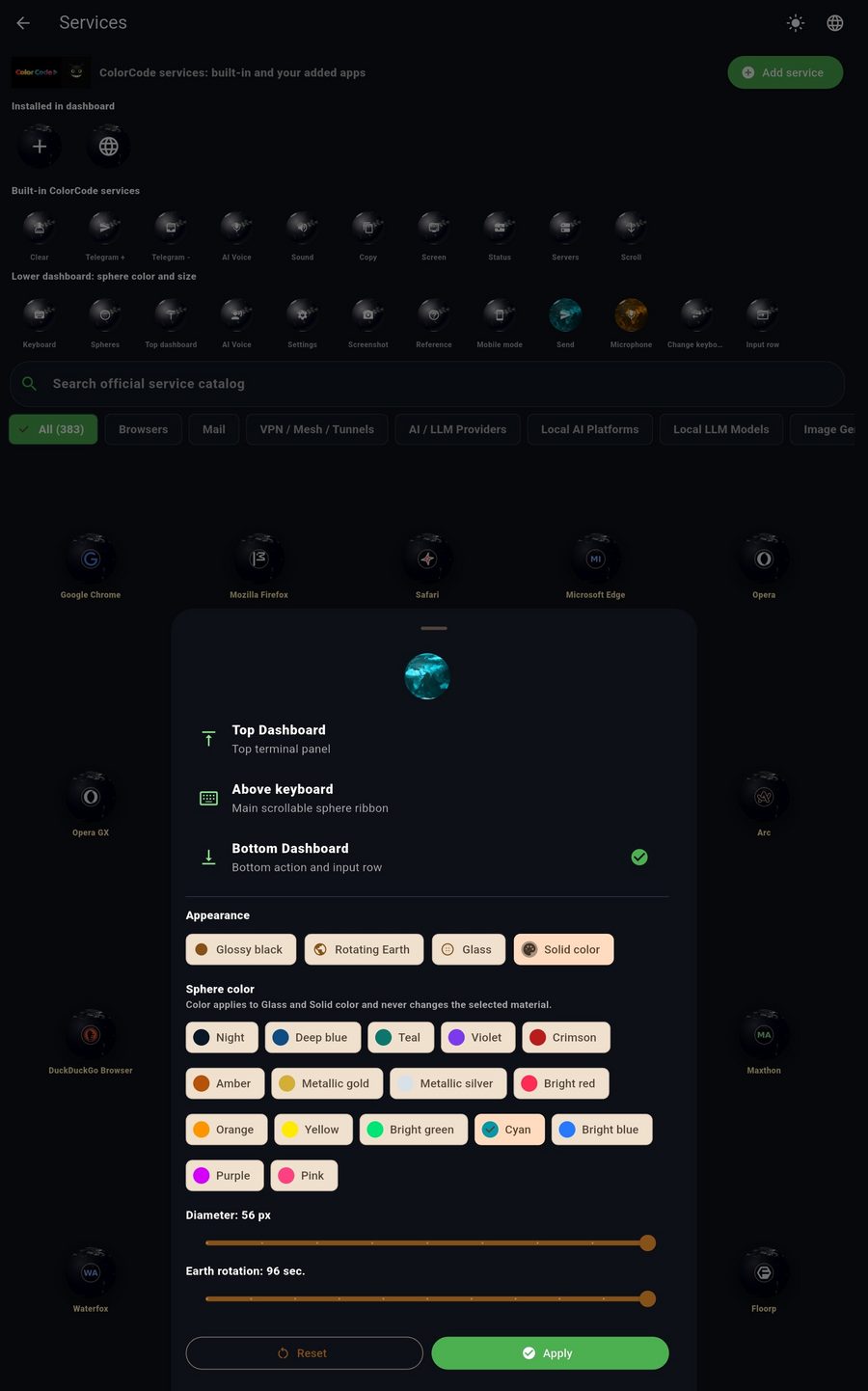
Browsers — 25, VPN and tunnels — 33, AI providers — 28, local AI platforms — 18, image generation — 14, video generation — 10, voice and recognition — 18, cloud platforms — 9 and onward. Each service is a 3D sphere: a tap installs the app from Google Play or adds it to the panel. Your own service is added by link: "Add service" → the URL → a sphere in the catalog.
A separate directory holds 78 server providers. A provider card opens Create host right away with its icon.
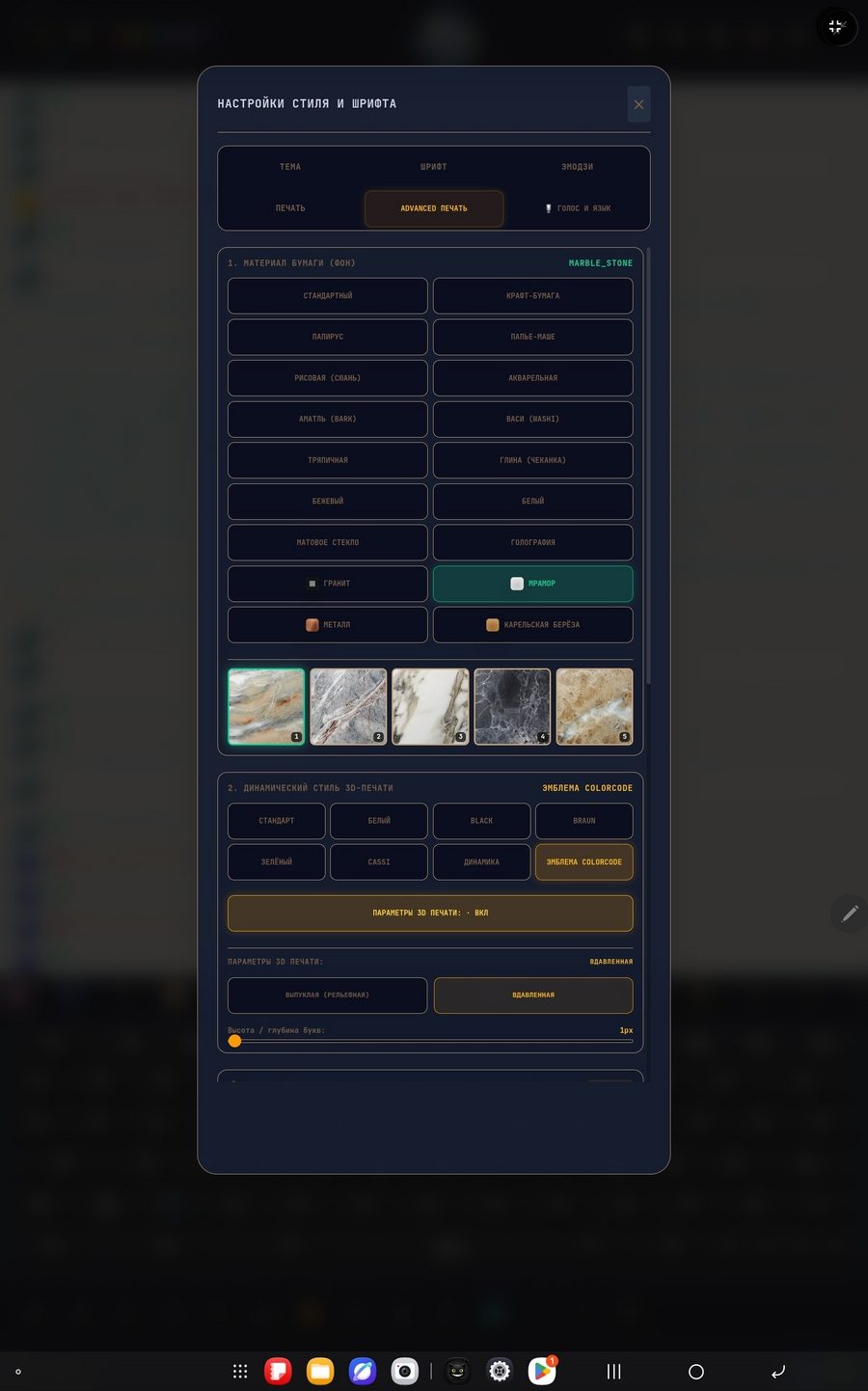
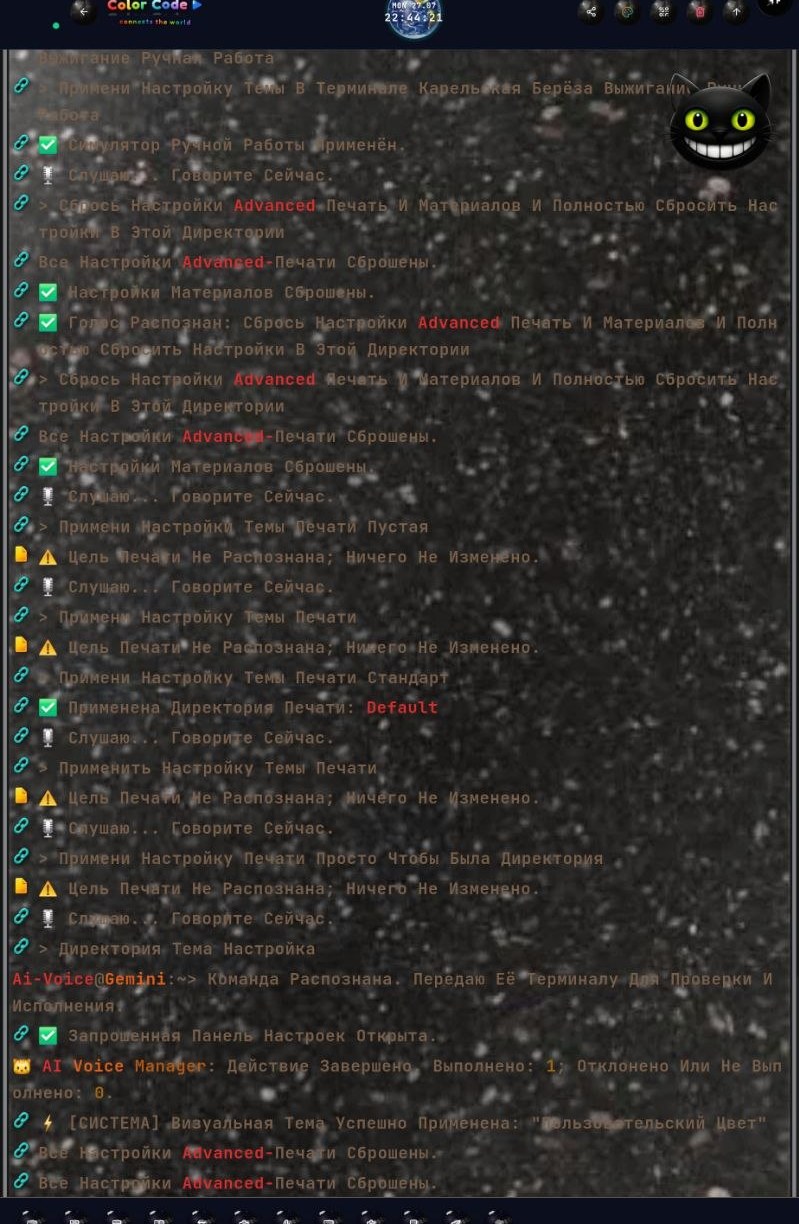
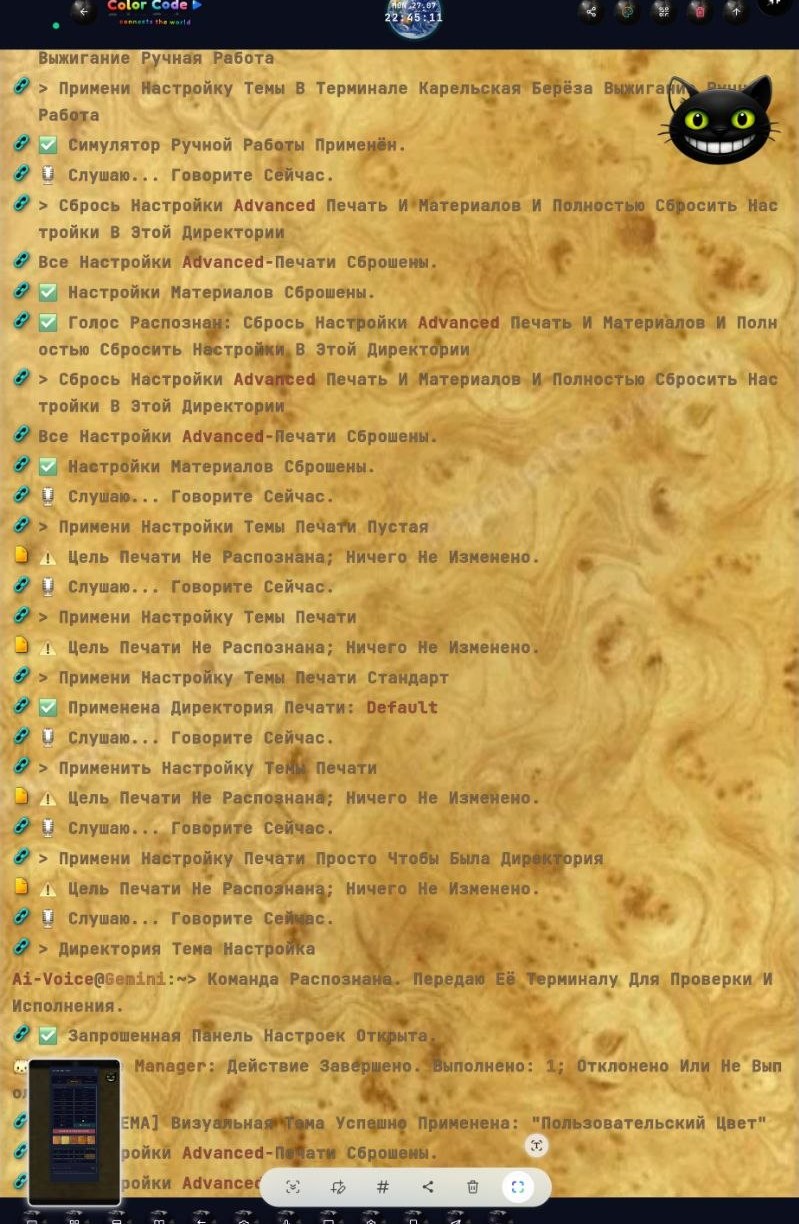
Eighteen materials: kraft paper, papyrus, papier-mâché, rice, watercolor, amate, washi, cloth, clay, beige, white, frosted glass, holography, granite, marble, metal, Karelian birch, standard. Plus three hand simulators — stone (chisel width, gold or neon inlay), metal (alloys, embossing) and wood (burn temperature, pattern). Staring at output like this for the fourth hour straight is easier than at flat white text.
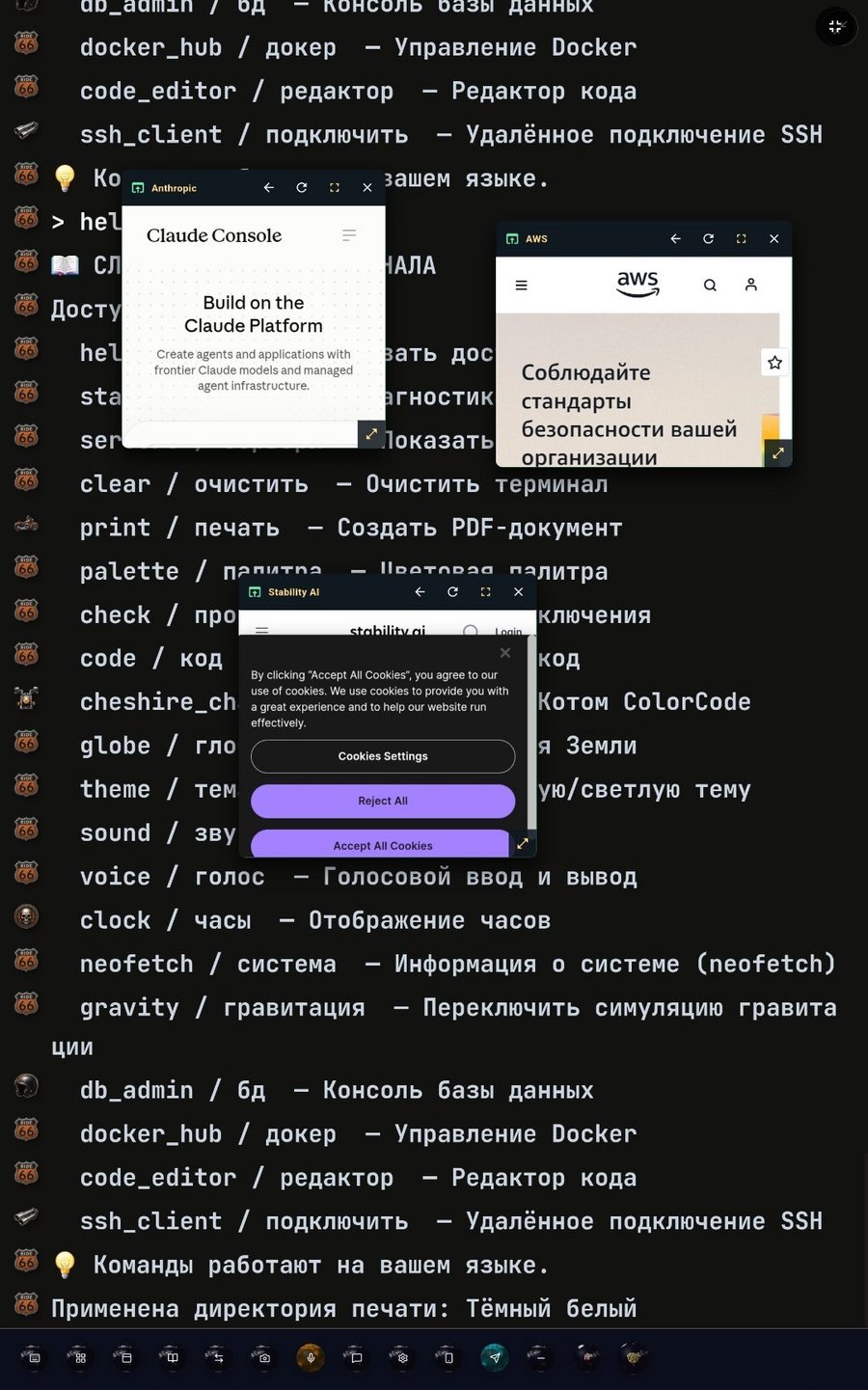
Windows instead of switching apps. A tap on a sphere opens an independent window inside ColorCode — you can drag it around the screen and keep several at once. YouTube, Gemini and documents — three movable windows at the same time, over the running terminal.
The cat is not a separate chatbot — it sees your terminal and configures it. Say "make the terminal birch" and the material is applied. "Change the theme", "turn on sound", "clear", "connect to the server" — all of that runs locally, with no network call. The model only matters for free-form answers and advice.
The brain works through a secure proxy: one model for fast answers, another for deep tasks. There are no keys in the APK. You can check the link right in the app: "Check Gemini" → Live brain answer. If the network is down, the cat honestly says "unavailable" and keeps running local commands.
The cat can work beyond the terminal too. Zones are enabled one by one and only by hand; until consent is given none of them respond, and it is revoked with a single tap.
A PIN, an age and a minute limit. The app restarts, adult sections disappear, the filter checks both the question and the answer.
The adult half grows with the child: the same terminal, only first a game, then the first commands, then real SSH.
Models run through a secure proxy. There are no keys in the app itself.
Sessions and bookmarks are saved; passwords never reach the session log.
Secrets are encrypted and kept on the device. Vaults — personal and team.
Passwords, one-time codes and private keys are entered at the provider, not in a chat.
No ads. No payment form of our own — Google Play only.
Build 649255 · 193 megabytes · signature v2 verified · 278 of 278 tests. Phone, tablet and computer — one configuration for all.
The full manuals every screen and example on this page is taken from: step by step, 20 pages · for beginners, 19 pages
COLORCODE LABS PTE. LTD. is a company incorporated in Singapore. We are completing preparations for our commercial launch: payment processing and subscriptions will be available shortly. Until then the terminal is distributed free of charge and works without limits.
Contact: [email protected]